Put the new screen next to the last one.

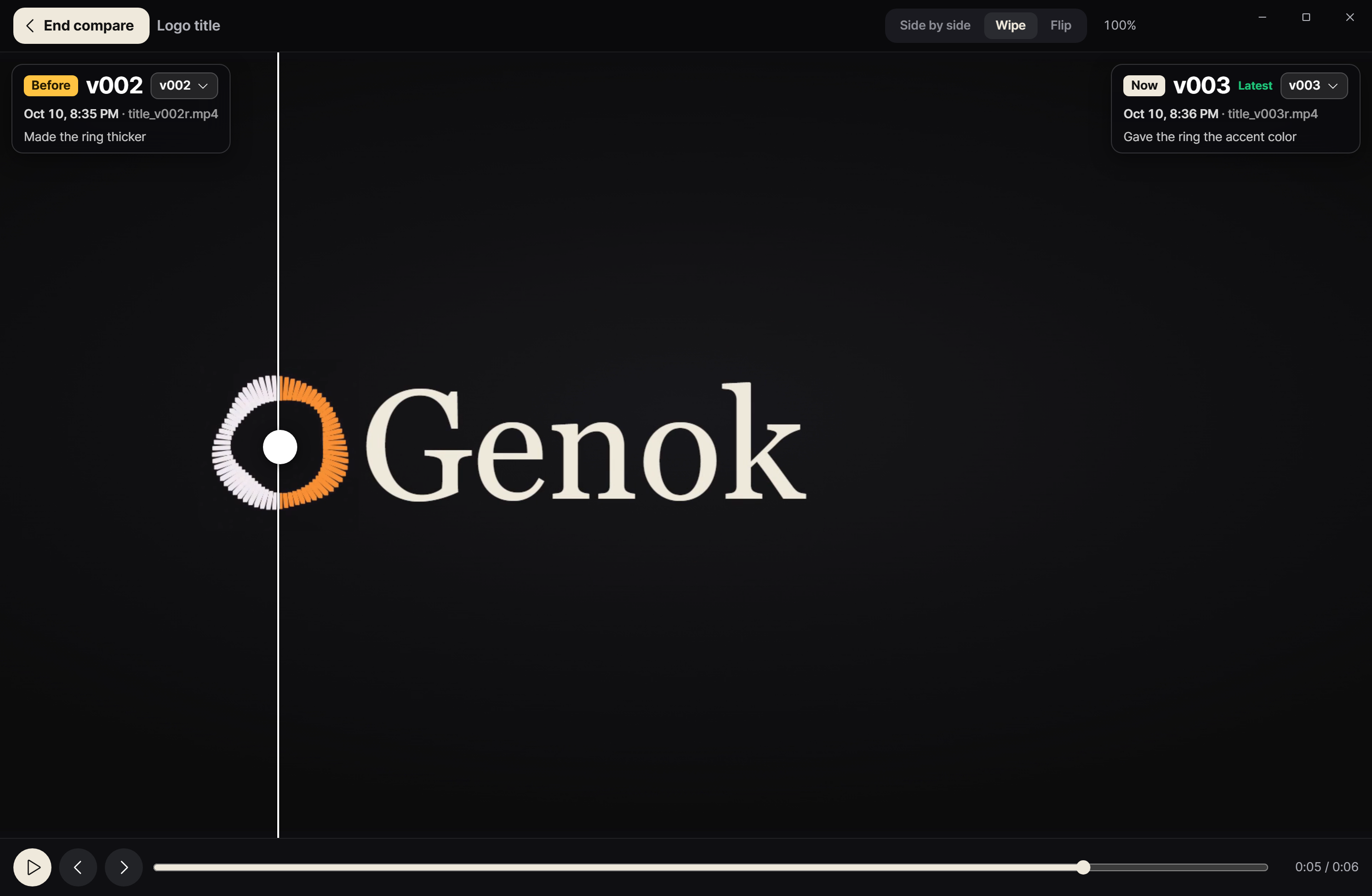
Genok keeps each version, shows what changed side by side, and lets you point at the part that still looks off.
Download for Windows Requires Claude Code / Codex on a paid plan. Windows 10 and 11.
Genok · Pages and mockups
Two versions of the same image compared side by side in Genok
Web and design

See what changed, then point at it.

Side by side, wipe, or flip

Small shifts in spacing or color show up when you flip between versions.

Mark the region

For one button or one line of spacing, box that region and write the note.

What comes in

  • Mockup images
  • Screen captures
  • HTML pages

What you do with it

  • Compare two versions
  • Comment on a region
  • Open an HTML page in the app

What Genok doesn't do

  • It doesn't change the page. The session that gets your comment does.
  • It doesn't publish anything. Results open on this PC only.
FAQ

Questions

Can it open HTML pages?
Yes. HTML reports and pages open inside the app.

Stop writing "the button near the top".

Download for Windows